
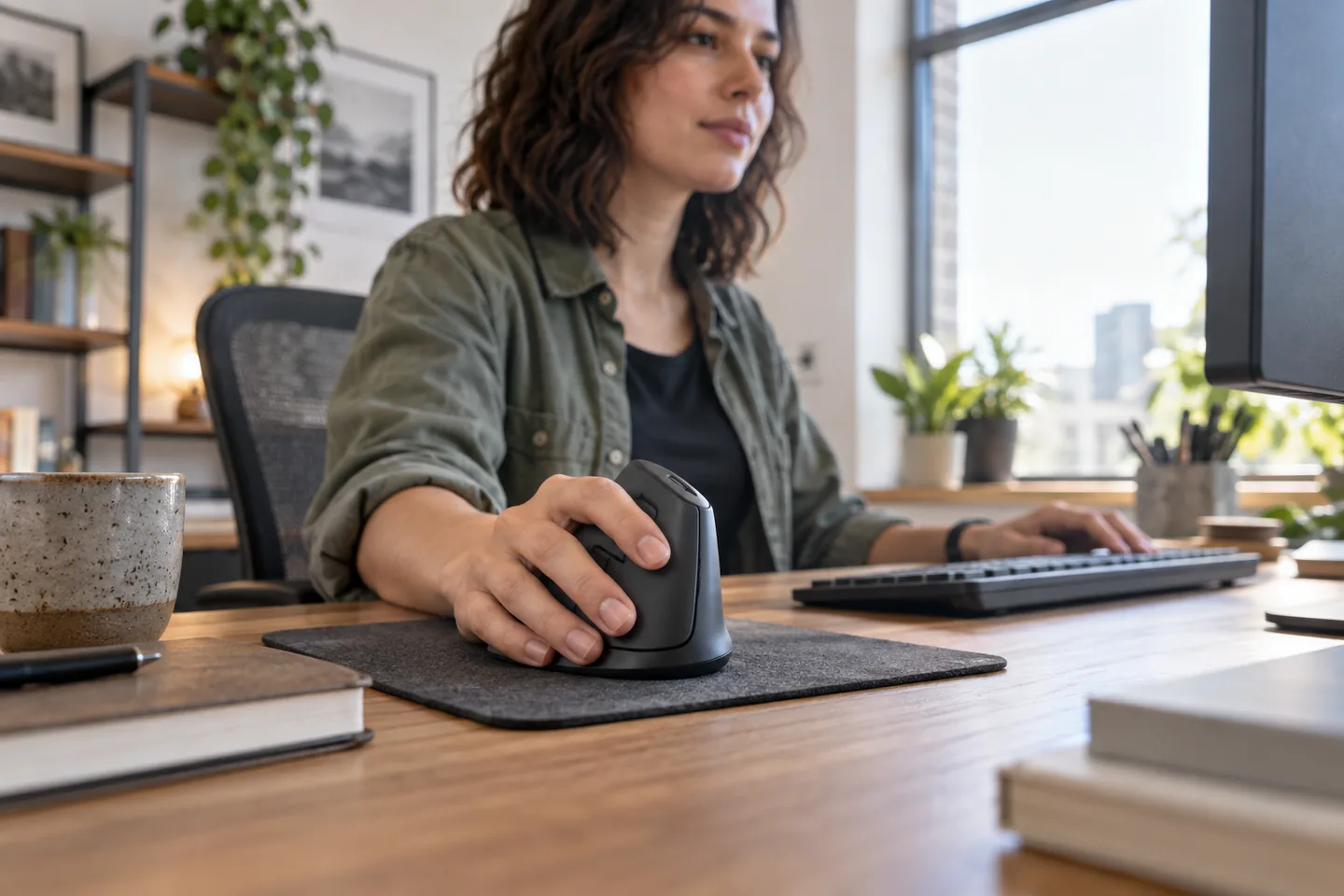
A vertical mouse changes forearm position, button reach, and cursor technique. Some people adapt immediately; others need short sessions over a week. Fit, handedness, and return policy matter more than buying the most dramatic shape.
The short list
| Pick | Best for | Tradeoff |
|---|---|---|
| Logitech Lift Best for small to medium hands | A gentle move into vertical mice | Large hands may feel cramped, and the upright motion takes time to learn. |
| Logitech MX Vertical Best for larger hands | Users wanting a taller rechargeable mouse | The size and price are unnecessary for smaller hands. |
| Kensington Expert Mouse Trackball Best stationary alternative | Very limited mouse space | The finger-driven motion has a distinct learning curve and may not suit precision drawing. |
Our picks, by real-life fit
1. Logitech Lift
Best for: A gentle move into vertical mice
Logitech specifies a 57-degree vertical angle, quiet clicks, a thumb rest, and left- and right-hand options, with the shape intended for small to medium hands.
The tradeoff: Large hands may feel cramped, and the upright motion takes time to learn.
2. Logitech MX Vertical
Best for: Users wanting a taller rechargeable mouse
A larger vertical body and multiple connection methods suit a more substantial grip.
The tradeoff: The size and price are unnecessary for smaller hands.
3. Kensington Expert Mouse Trackball
Best for: Very limited mouse space
A large trackball keeps the device stationary and provides a scroll ring.
The tradeoff: The finger-driven motion has a distinct learning curve and may not suit precision drawing.
How to choose without overbuying
The highest specification is rarely the most useful specification. Start with the repeated situation that made you search for this product, then use these rules to remove options that create more work than they save.
- Measure hand size using the maker’s guide.
- Choose the correct handed version.
- Keep a familiar mouse available during adaptation.
- Prioritize return terms when buying an unfamiliar shape.
A routine that makes the purchase work
Products earn their place through habits, storage, and maintenance. This simple setup is more valuable than adding another accessory on day one.
- Use the new mouse for short, ordinary tasks first.
- Reduce pointer sensitivity if you over-correct.
- Keep the device close so the upper arm stays relaxed.
What we would not do
- Working through new pain or numbness.
- Assuming one ergonomic shape fits everyone.
- Placing the mouse beyond a wide full-size keyboard when a compact layout would help.
We base product statements on current published information and make an editorial inference about who each option fits. We do not claim hands-on testing, durability measurements, or performance benchmarks that ChoicesVera did not conduct.
The bottom line
We recommend Logitech Lift first for small to medium hands because the maker publishes that fit clearly and offers a left-handed version in selected colors and regions. Larger hands should compare the MX Vertical or a trackball. Compare the return policy and current price before ordering, especially when fit, feel, or compatibility cannot be confirmed from specifications alone.
Frequently asked questions
How long does a vertical mouse take to learn?
Some users adjust in hours; others need several days. Start gradually and stop if discomfort increases.
Will it fix wrist pain?
A mouse cannot diagnose or treat pain. Workload, posture, desk height, breaks, and medical factors may all matter; seek professional advice for persistent symptoms.
Trackball or vertical mouse?
A trackball minimizes desk movement; a vertical mouse keeps familiar pointer motion with a rotated grip. Try both if possible.
Sources and fact check
Product details last checked 2026-09-17. Prices and availability change; ChoicesVera does not publish fixed price claims on this page.