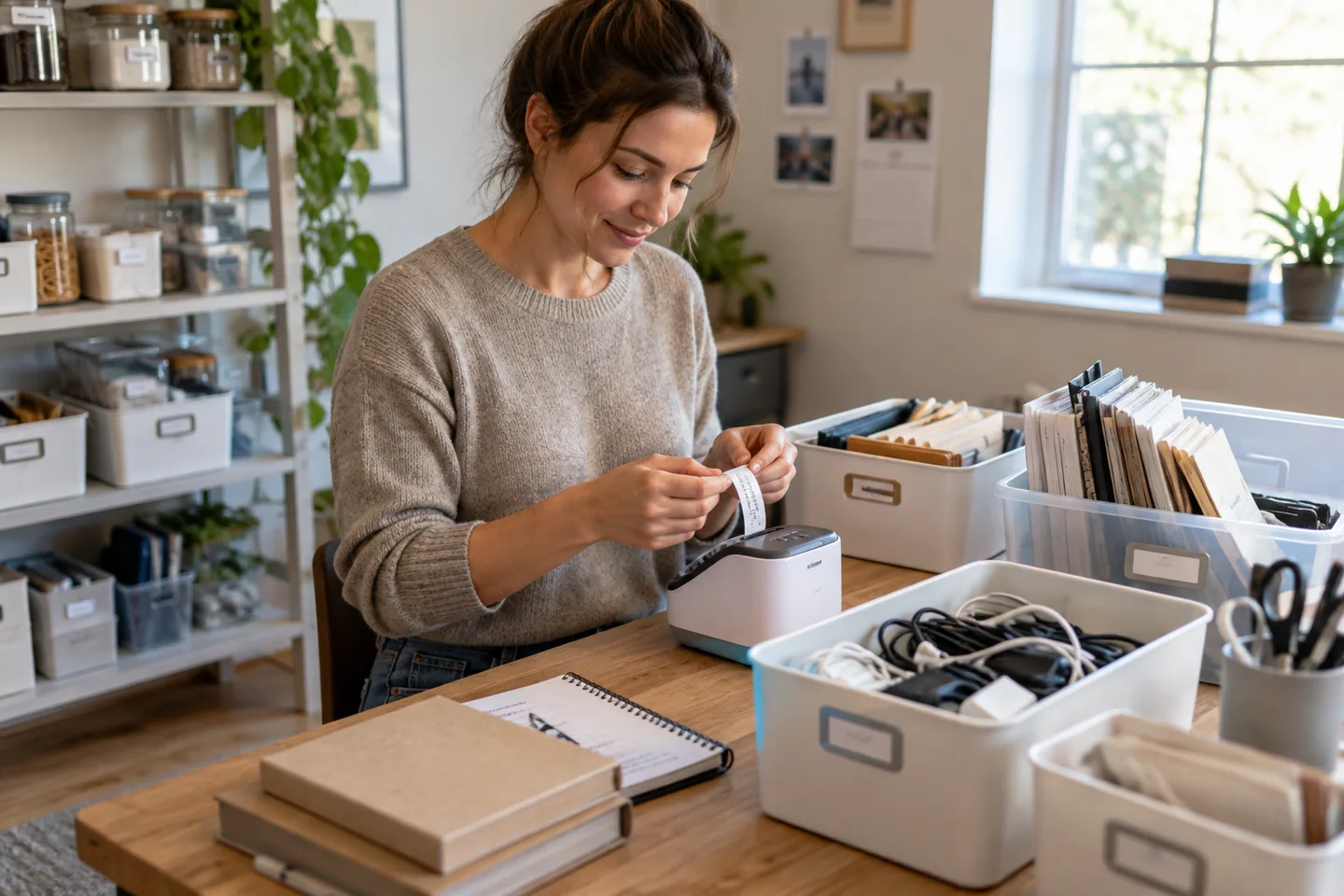
A useful label answers a real question: which cable is this, where do spare batteries go, or when was this container opened? The machine should be quick enough that making one label does not require a design session.
The short list
| Pick | Best for | Tradeoff |
|---|---|---|
| Brother P-touch CUBE Plus Best app-based household pick | Phone-designed labels with varied templates | Every label begins on another device, and automatic margins can use extra tape. |
| Brother P-touch PT-D610BT Best keyboard-and-app hybrid | Frequent office filing and standalone use | The full keyboard body takes more drawer or desk space. |
| DYMO LabelManager 280 Best familiar portable keyboard | Simple files, drawers, and supply bins | It offers fewer modern design options and uses a different tape ecosystem. |
Our picks, by real-life fit
1. Brother P-touch CUBE Plus
Best for: Phone-designed labels with varied templates
Bluetooth and USB computer connections enable flexible layouts while the compact printer stores easily.
The tradeoff: Every label begins on another device, and automatic margins can use extra tape.
2. Brother P-touch PT-D610BT
Best for: Frequent office filing and standalone use
A physical keyboard, color display, and computer or phone connectivity support quick one-off labels and larger batches.
The tradeoff: The full keyboard body takes more drawer or desk space.
3. DYMO LabelManager 280
Best for: Simple files, drawers, and supply bins
A rechargeable handheld format and QWERTY keyboard keep basic labeling self-contained.
The tradeoff: It offers fewer modern design options and uses a different tape ecosystem.
How to choose without overbuying
The highest specification is rarely the most useful specification. Start with the repeated situation that made you search for this product, then use these rules to remove options that create more work than they save.
- Choose the tape ecosystem before the printer.
- Decide whether labels must be made without a phone.
- Match adhesive to bins, cables, fabric, or freezer use.
- Keep font size readable at normal distance.
A routine that makes the purchase work
Products earn their place through habits, storage, and maintenance. This simple setup is more valuable than adding another accessory on day one.
- Name categories consistently.
- Clean and dry the surface before applying.
- Keep spare tape with the labeler.
What we would not do
- Labeling every object before the storage system is settled.
- Using permanent adhesive on delicate finishes.
- Choosing tiny decorative text over readability.
We base product statements on current published information and make an editorial inference about who each option fits. We do not claim hands-on testing, durability measurements, or performance benchmarks that ChoicesVera did not conduct.
The bottom line
Tape availability and adhesive type matter more than decorative templates. Test labels on hidden areas of delicate surfaces and use cable-specific wraps where appropriate. Compare the return policy and current price before ordering, especially when fit, feel, or compatibility cannot be confirmed from specifications alone.
Frequently asked questions
App or keyboard label maker?
Apps offer design flexibility; keyboards are faster for a single plain label. Hybrid models support both.
Why is there so much blank tape?
Some printers need leader space for cutting. Chain printing or margin settings may reduce waste.
Will labels survive the dishwasher?
Only tapes rated for the surface and conditions should be used; confirm the exact tape specification.
Sources and fact check
Product details last checked 2026-09-17. Prices and availability change; ChoicesVera does not publish fixed price claims on this page.