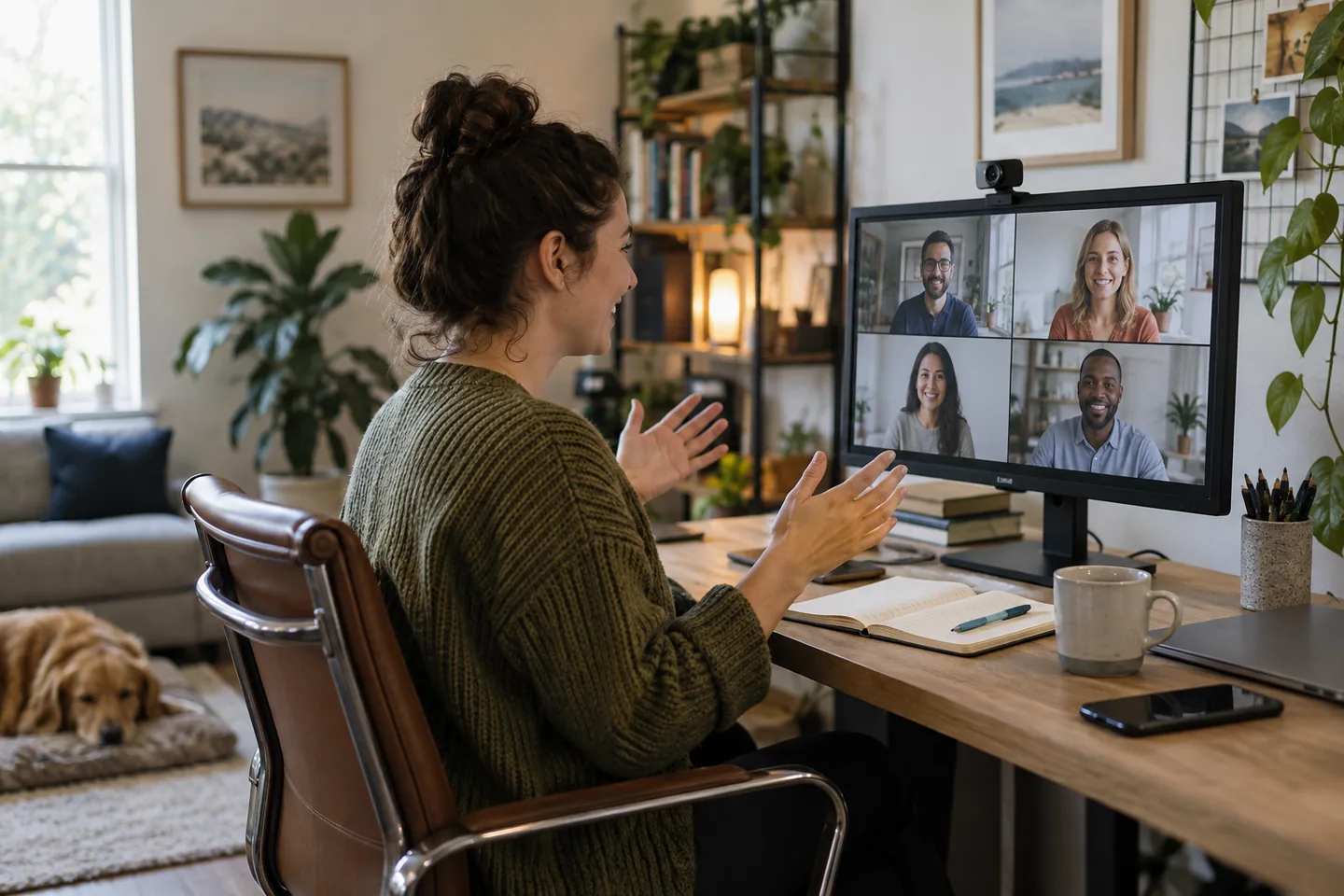
A good webcam makes the 9 a.m. meeting predictable: the face is exposed correctly beside a window, the microphone is usable in a quiet room, and the camera stays framed after the laptop moves back onto its stand.
The short list
| Pick | Best for | Tradeoff |
|---|---|---|
| Logitech Brio 500 Best everyday work pick | Hybrid workers who value automatic framing | Advanced framing features depend on compatible software and company permissions. |
| AnkerWork PowerConf C200 Best compact value | Small desks and laptop setups | Wide views can reveal more room than intended and settings may require the desktop app. |
| Elgato Facecam Neo Best creator-friendly step up | People who also record presentations or tutorials | It costs more than basic meeting cameras and benefits from deliberate lighting. |
Our picks, by real-life fit
1. Logitech Brio 500
Best for: Hybrid workers who value automatic framing
A compact 1080p camera with framing software, a privacy shutter, and a versatile monitor mount suits routine calls.
The tradeoff: Advanced framing features depend on compatible software and company permissions.
2. AnkerWork PowerConf C200
Best for: Small desks and laptop setups
A compact 2K-class webcam provides adjustable field-of-view options and a built-in privacy cover.
The tradeoff: Wide views can reveal more room than intended and settings may require the desktop app.
3. Elgato Facecam Neo
Best for: People who also record presentations or tutorials
A clean 1080p60 workflow and manual camera controls suit users who want more consistent motion and exposure.
The tradeoff: It costs more than basic meeting cameras and benefits from deliberate lighting.
How to choose without overbuying
The highest specification is rarely the most useful specification. Start with the repeated situation that made you search for this product, then use these rules to remove options that create more work than they save.
- Raise the lens near eye level first.
- Choose field of view for the room you want visible.
- Confirm software compatibility with the work computer.
- Use a privacy shutter or unplug when preferred.
A routine that makes the purchase work
Products earn their place through habits, storage, and maintenance. This simple setup is more valuable than adding another accessory on day one.
- Face a window or soft lamp rather than a bright background.
- Frame head and shoulders with a little space above.
- Clean the lens with an appropriate soft cloth.
What we would not do
- Buying 4K to solve poor lighting.
- Mounting a heavy camera on a flexible laptop lid.
- Leaving confidential information visible behind you.
We base product statements on current published information and make an editorial inference about who each option fits. We do not claim hands-on testing, durability measurements, or performance benchmarks that ChoicesVera did not conduct.
The bottom line
We favor dependable auto exposure and mounting over headline resolution. Managed work computers may also restrict companion software, so confirm essential controls work without it. Compare the return policy and current price before ordering, especially when fit, feel, or compatibility cannot be confirmed from specifications alone.
Frequently asked questions
Is 1080p enough for meetings?
Yes for most conferencing platforms, which may compress video. Lighting, focus, and framing often matter more.
Do I need a separate microphone?
Not always in a quiet room, but a headset or dedicated mic can improve clarity in noisy spaces.
Why does my image look grainy?
The camera may be raising sensitivity in low light. Add soft light in front of you before replacing hardware.
Sources and fact check
Product details last checked 2026-09-17. Prices and availability change; ChoicesVera does not publish fixed price claims on this page.